November 8, 2026
Introducing “My Website”: Build Your Photo Booth Business Site in Minutes
Meet My Website: build and publish a photo booth business website inside Photo Strip Designer. Pick a design, add your booths and pricing, and go live
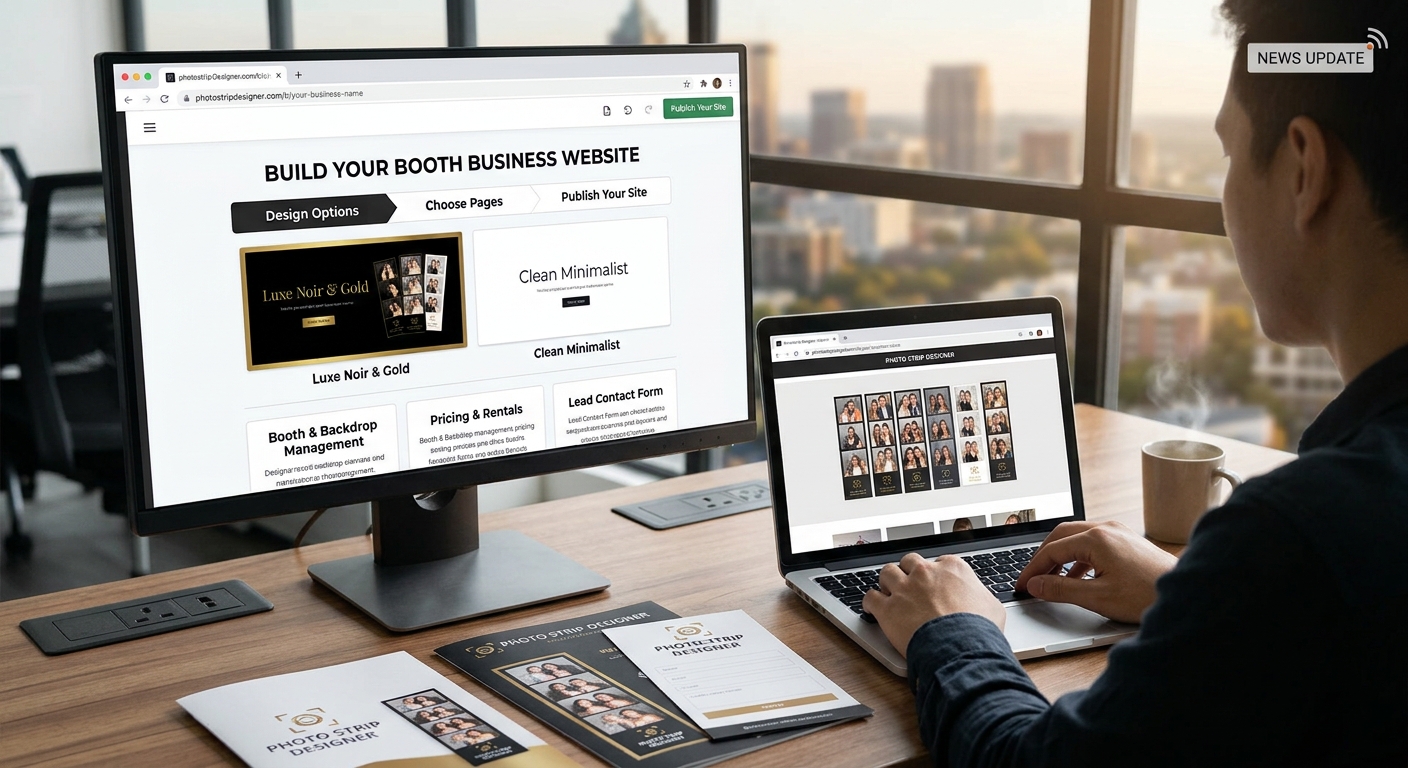
You already design your photo strips in Photo Strip Designer. Now you can build a website for your photo booth business in the same place.
My Website is a new tool for Pro subscribers. You choose a design, add your booths and photos, pick your colors, and publish a site at photostripdesigner.com/b/your-business-name. There’s no code, no separate website builder, and no designer needed. See a live example.
What you can do Pick a starting design. Choose from Luxe Noir & Gold for weddings and galas, or Clean Minimalist for a lighter, modern look. Each comes with sample text, so you’re editing instead of starting from a blank page. Choose your pages. Turn Home, Booths, Backdrops, Gallery, Photostrips, and About on or off, rename them, and drag them into the order you want. Your menu updates automatically. Make it yours. Upload your logo and choose its size. Decide whether your business name shows next to it. Set your two brand colors, pick a font pairing, and add your own tab icon. A hero banner is optional. Show your booths properly. Each booth gets a clean card on your Booths page and its own detail page with photos, a “What’s included” list, and pricing options. Offer 2-hour, 3-hour, and 4-hour rentals, and the price updates as visitors choose. Show off your photostrips. Pick designs you’ve already made, and they appear on your site. Your original design files stay private. Get messages from visitors. A contact form on your site sends inquiries to an Inbox in your dashboard. Look good when shared. Your pages are built so links preview nicely in texts and social posts. Getting started Open My Website from your dashboard. Choose a design and add your business name and logo. Add your booths, backdrops, and photos. Choose your pages and colors, and check the live preview. Pick your web address and hit Publish.
You can unpublish or edit any time, and your content is saved.
Who it’s for
Photo booth owners who want a professional place to send clients, whether from Instagram, business cards, or a quote email, without paying for and learning a separate website builder.
We’re adding more over time. If there’s something you’d like your site to do, tell us.
Ready to try it? Sign in, open My Website, and publish your first page today.
Before you publish this
Test the contact form and Inbox first. I included them because they’re built, but I haven’t heard that you’ve confirmed a message arrives in the Inbox and by email. Remove that bullet if it isn’t working yet. Check what’s included with Pro. I wrote “available to Pro subscribers” without saying it’s free with the plan, because I don’t know your pricing. Change it if you want to say more. Swap in your own screenshots. A picture of the builder and a finished site will do more than the text. Add a title and description for the news page. Something like: “Meet My Website: build a photo booth business website inside Photo Strip Designer. Choose a design, add your booths and pricing, and publish in minutes.”