September 1, 2026
Event Checklist — Never Forget Gear Again
Never leave gear behind again. Photo Strip Designer's new Event Checklist keeps your inventory organized and your load-out foolproof, before and after every event.
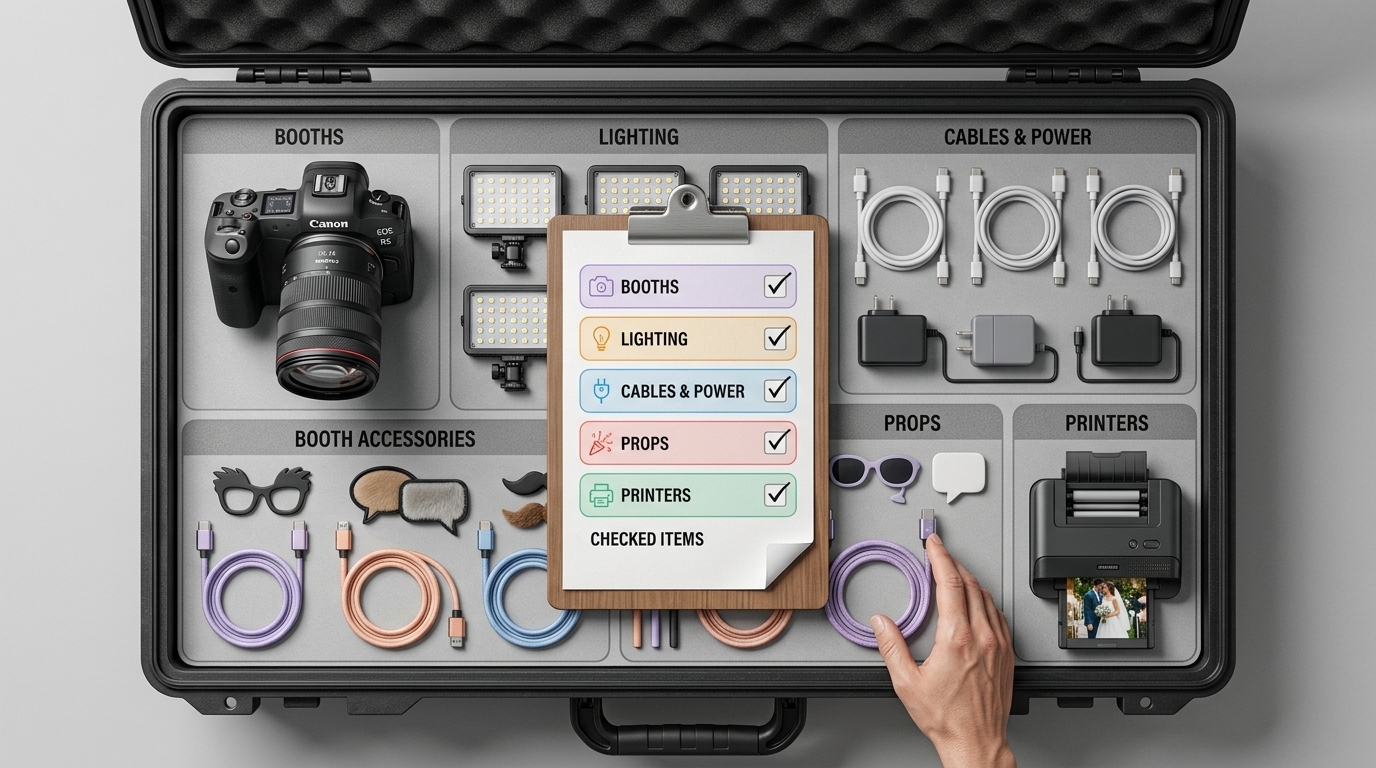
New: Event Checklist — Never Forget Gear Again
Every photobooth operator has had that moment in the parking lot: engine running, half the trunk packed, and a nagging feeling you're missing something. A backdrop stand. The extra battery pack. The box of props everyone loves.
Photo Strip Designer now has an answer — Event Checklist, a built-in inventory and load-out tool that lives right alongside your designs, contracts, and invoices.
What it does
Event Checklist gives you two connected views:
Inventory — your full gear list, organized into categories like Booths, Lighting, Cables & Power, Props, Printers, Printer Supplies, Tables, and Backdrops. Add every piece of equipment you own once, and it's there for every event going forward. Checklist — a per-event packing list pulled from your inventory, so you can check items off as you load the van before an event and check them off again as you load out after — catching anything left behind before you drive away.
No more sticky notes, no more group texts to your team asking "did we bring the second tripod?" It's all in one place, organized the way you already think about your gear.
Why we built this
Designing a great overlay is only half the job of running a photobooth business. The other half is logistics — and logistics is where things quietly go wrong. A missing cable or a printer left in the garage can turn a booked event into a scramble. Event Checklist exists to close that gap, using the same categories and workflow you already use for contracts and invoices.
Getting started
Open Event Checklist from your dashboard, add your gear under Inventory by category, then build a Checklist for your next event in a couple of taps. It works the same way before an event (pack-out) and after (load-in) — one tool, two moments where it matters most.
Have gear categories you'd like added, or ideas for how this could work better for your setup? Let us know — this feature is just getting started.